Manual › Log Master › The log profile view
The log profile view
What a completed scan measured: a summary of the whole log, and the cross-section at any station along it.
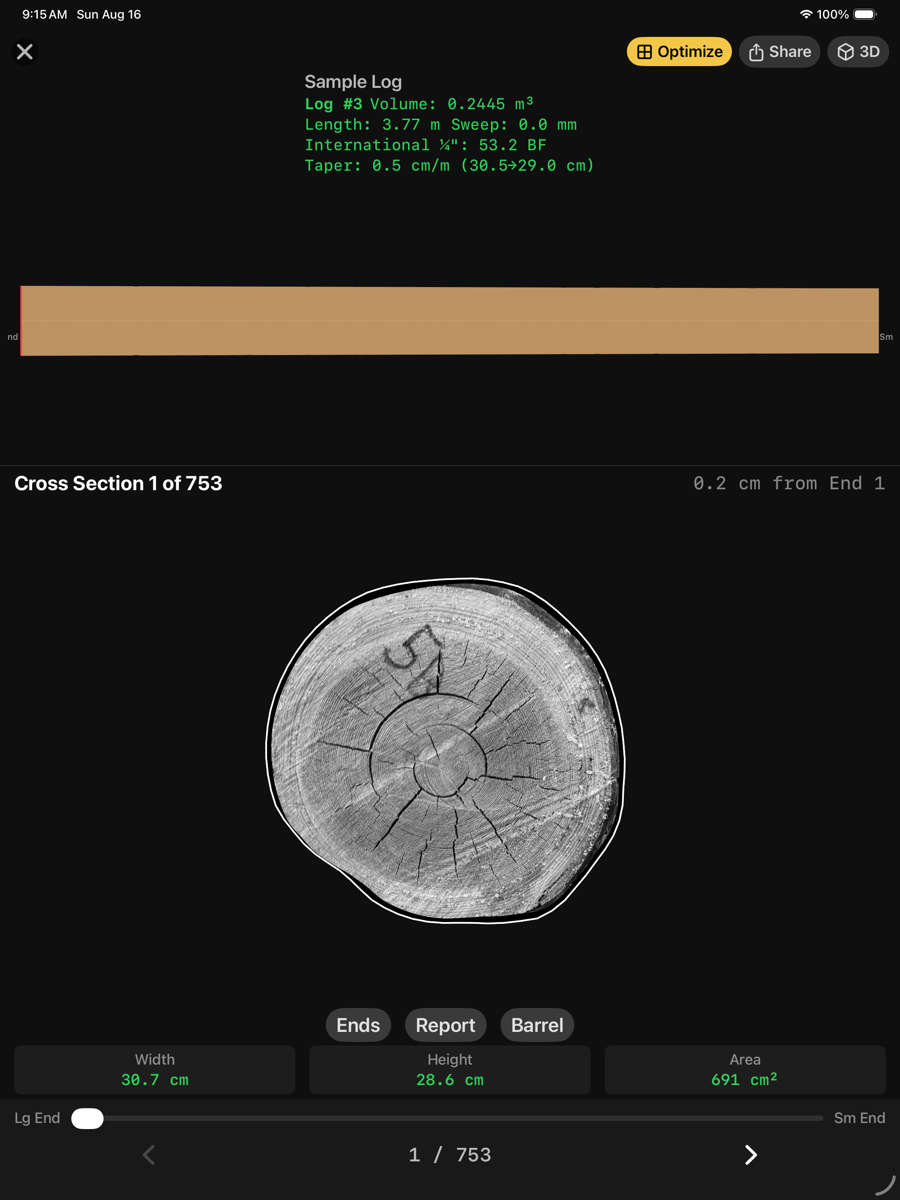
Log profile — opened from the scan library
Summary
The block at the top describes the log as a whole. The strip beneath it shows the log in side elevation, large end at the left.
Summary
Element
Example
Description
Name
Sample Log
The scan alias if one is set, otherwise the file name.
Log number
Log #3
The log number recorded in the manifest.
Volume
0.2445 m³
Solid volume of the scanned log.
Length
3.77 m
Overall length along the log axis.
Sweep
0.0 mm
Deviation of the log axis from straight, measured as a chord-normalised offset.
Log scale
International ¼" 53.2 BF
Scale board feet under the rule selected in Settings.
Taper
0.5 cm/m (30.5→29.0 cm)
Rate of diameter change along the log, with the fitted end diameters.
Cross-section
Below the strip is one station, drawn over the end photograph where one is available. The white outline is the detected wood boundary.
Cross-section
Element
Example
Description
Index
Cross Section 1 of 753
Which station is displayed, and how many were measured.
Position
0.2 cm from End 1
Distance of this station from the first end captured.
Width
30.7 cm
Widest measurement across the section.
Height
28.6 cm
Measurement perpendicular to the width.
Area
691 cm²
Cross-sectional area inside the traced boundary.
Slider
Lg End — Sm End
Moves through the stations from the large end to the small end.
Toolbar
Toolbar
Element
Example
Description
Optimize
top right
Sends this scan to the optimizer.
Share
top right
Exports the scan.
3D
top right
Switches to the three-dimensional model.
Ends
below the section
Opens the end-face views.
Report
below the section
Generates the log scan report.
Barrel
below the section
Switches to the barrel view.
Other views
The same scan in three further representations.
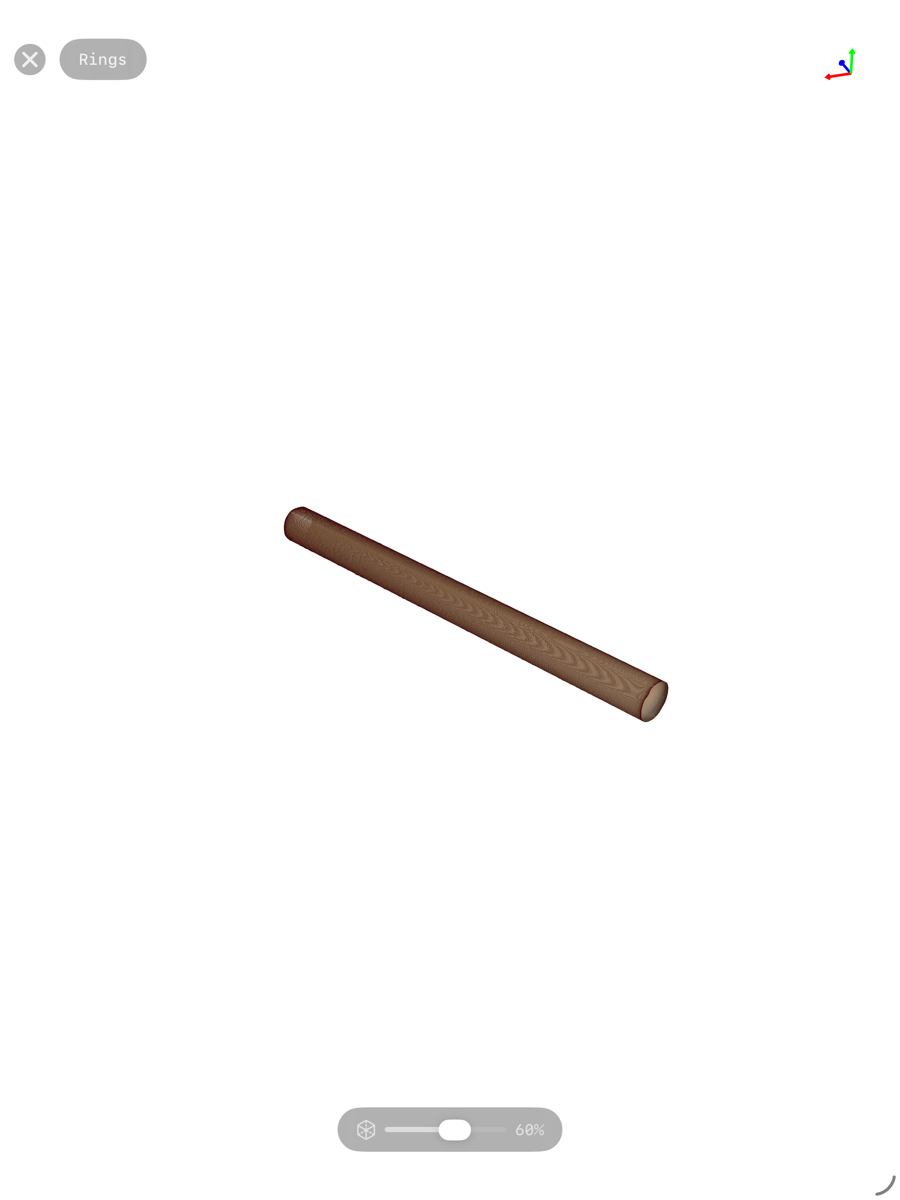
3D — the reconstructed surface
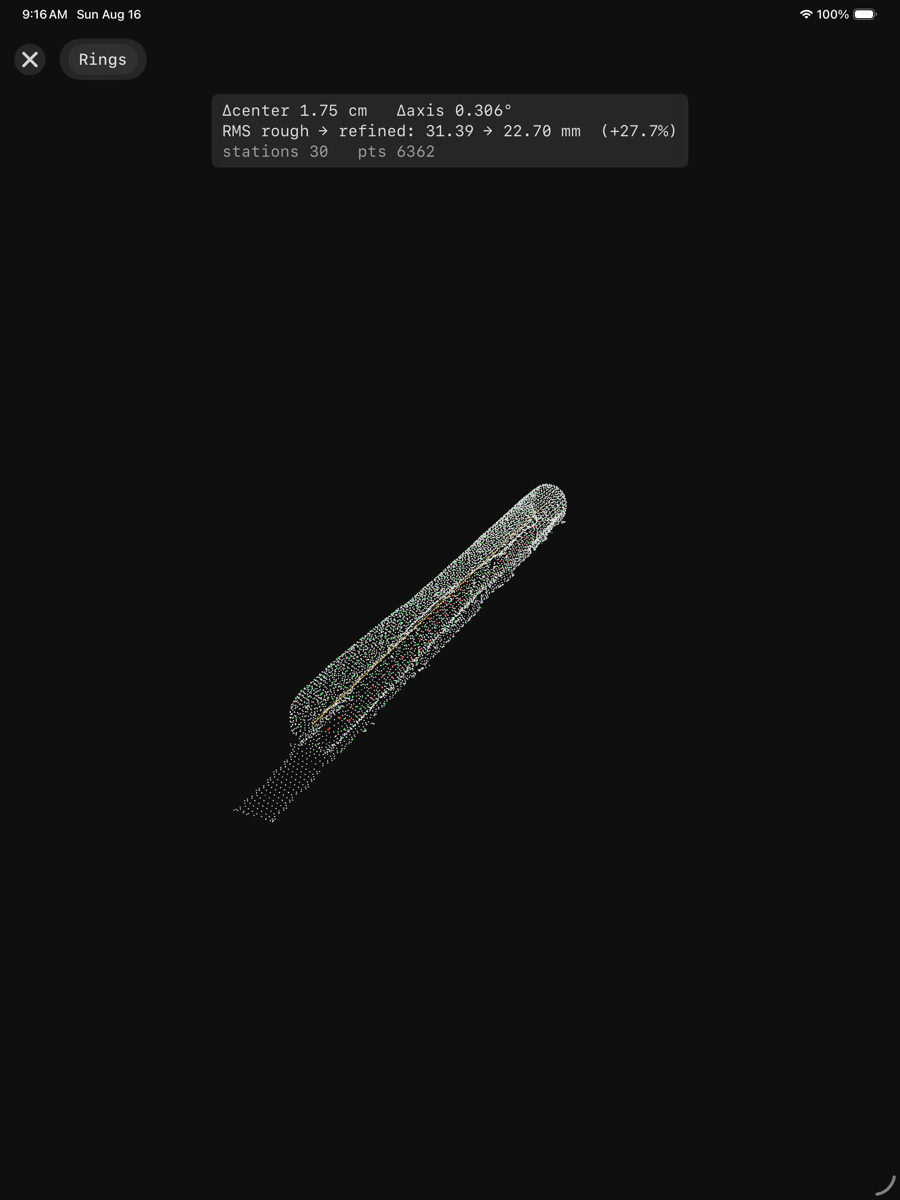
3D, Rings — the measured stations drawn as rings along the axis
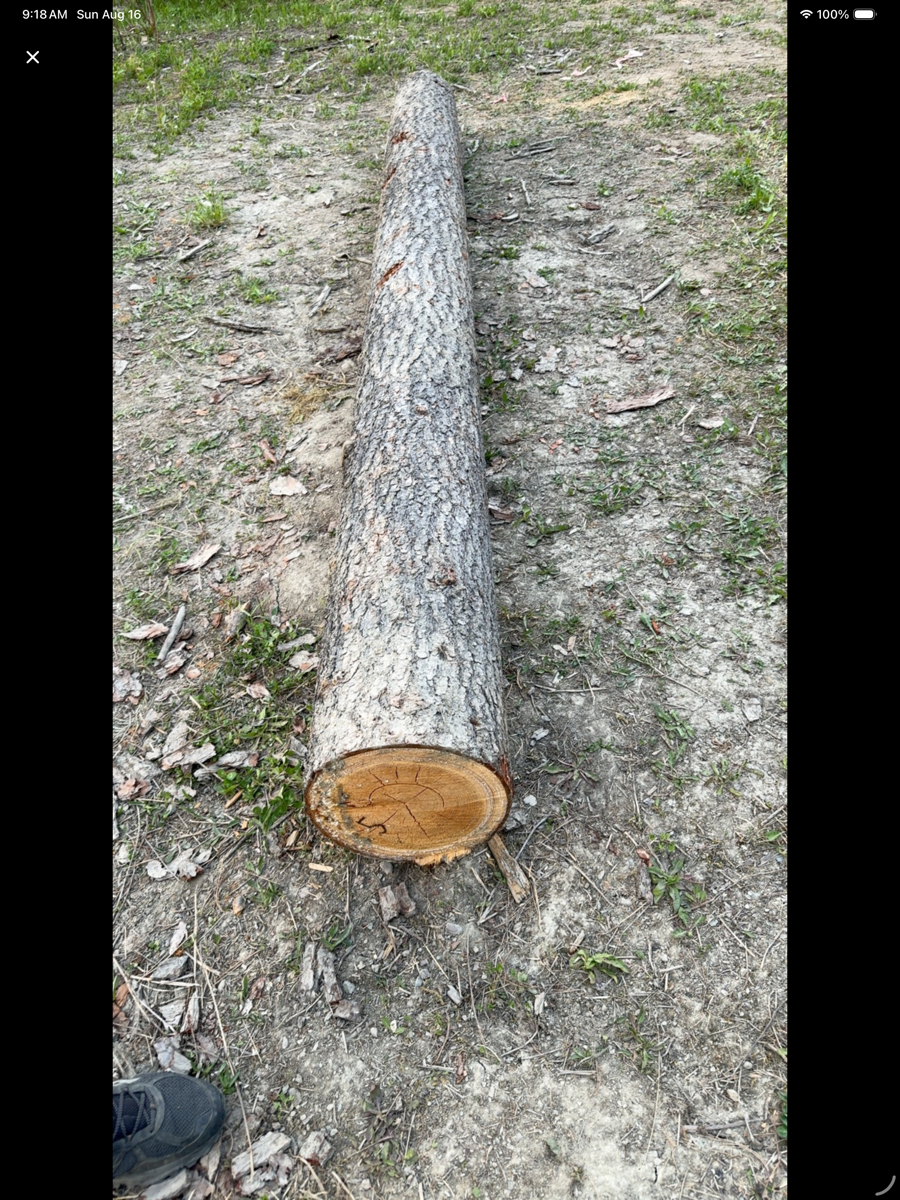
Barrel — the log unrolled