Manual › Log Master › Settings
Settings
Application-wide settings, reached from the gear at the foot of the main menu. These are not part of any data set and apply to both workflows.
Documents Log Master 1.03 · updated 2026-09-17
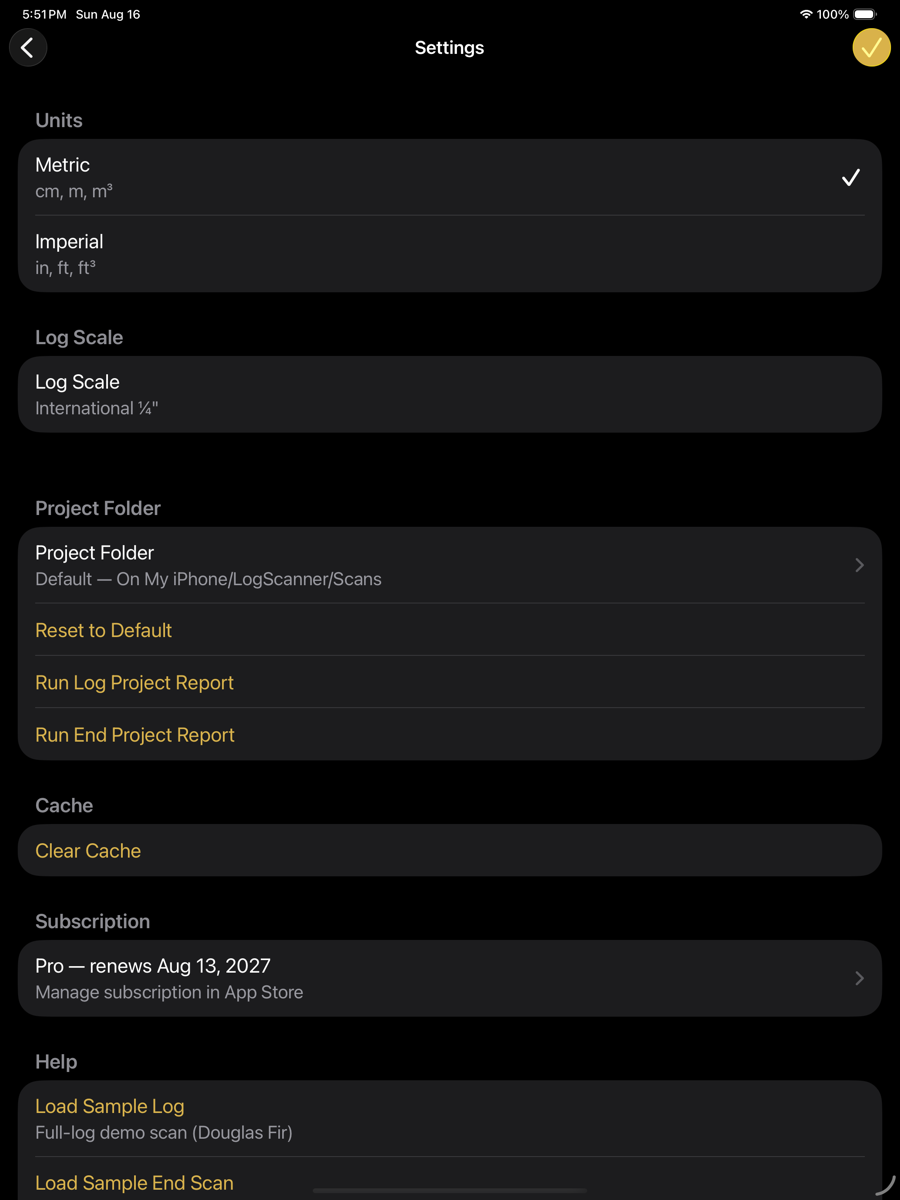
Settings — units, log scale, project folder
Units
Selects the unit system used for measurements throughout the app. Setup data sets carry their own unit setting and are unaffected by this choice.
Units
Setting
Shown
Description
Metric
cm, m, m³
Lengths in metres, diameters in centimetres, volume in cubic metres.
Imperial
in, ft, ft³
Lengths in feet, diameters in inches, volume in cubic feet.
Log scale
Log scale
Setting
Shown
Description
Log Scale
International ¼"
Scaling rule used for the scale board-foot figure in measurements and reports. Reporting only; it does not affect optimization.
Project folder
Project folder
Setting
Shown
Description
Project Folder
Default
Location scans and exports are written to. Tap to choose another folder.
Reset to Default
—
Returns the project folder to the app's own Documents folder.
Run Log Project Report
—
Generates a report covering every full-log scan in the project folder.
Run End Project Report
—
Generates the same for end-face scans.
Cache
Cache
Setting
Shown
Description
Clear Cache
—
Discards cached reconstructions and solutions. Scans are not affected; the next open recomputes.
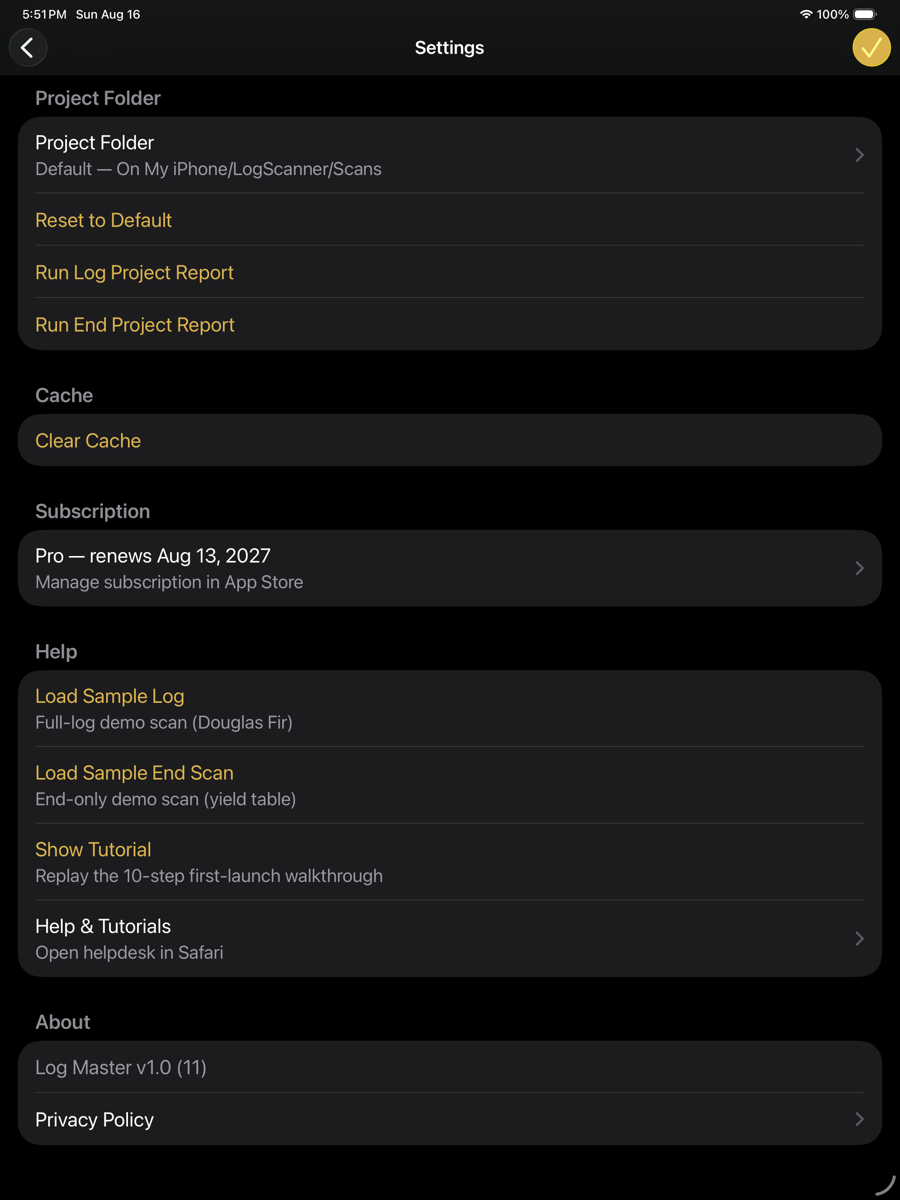
Settings — subscription, help, about
Subscription
Subscription
Setting
Shown
Description
Status
Pro — renews …
Current subscription and renewal date. Opens App Store subscription management.
Help
Help
Setting
Shown
Description
Load Sample Log
Douglas Fir
Copies the bundled full-log demo scan into the project folder.
Load Sample End Scan
yield table
Copies the bundled end-only demo scan into the project folder.
Show Tutorial
10 steps
Replays the first-launch walkthrough.
Help & Tutorials
—
Opens the helpdesk in Safari.
About
Log Master follows the language your device is set to — there is no separate in-app language picker. As of 1.03, the app is available in English and French.
About
Setting
Shown
Description
Version
Log Master v1.03 (17)
Marketing version and build number, read live from the app — always current, not a fixed example.
Privacy Policy
—
Opens the privacy policy.
Terms of Use
—
Opens the end-user licence agreement.