Manual › Log Master › End face scan
End face scan
The measured end faces of a log, in four views. The boundary traced here sets the diameter and area used everywhere else.
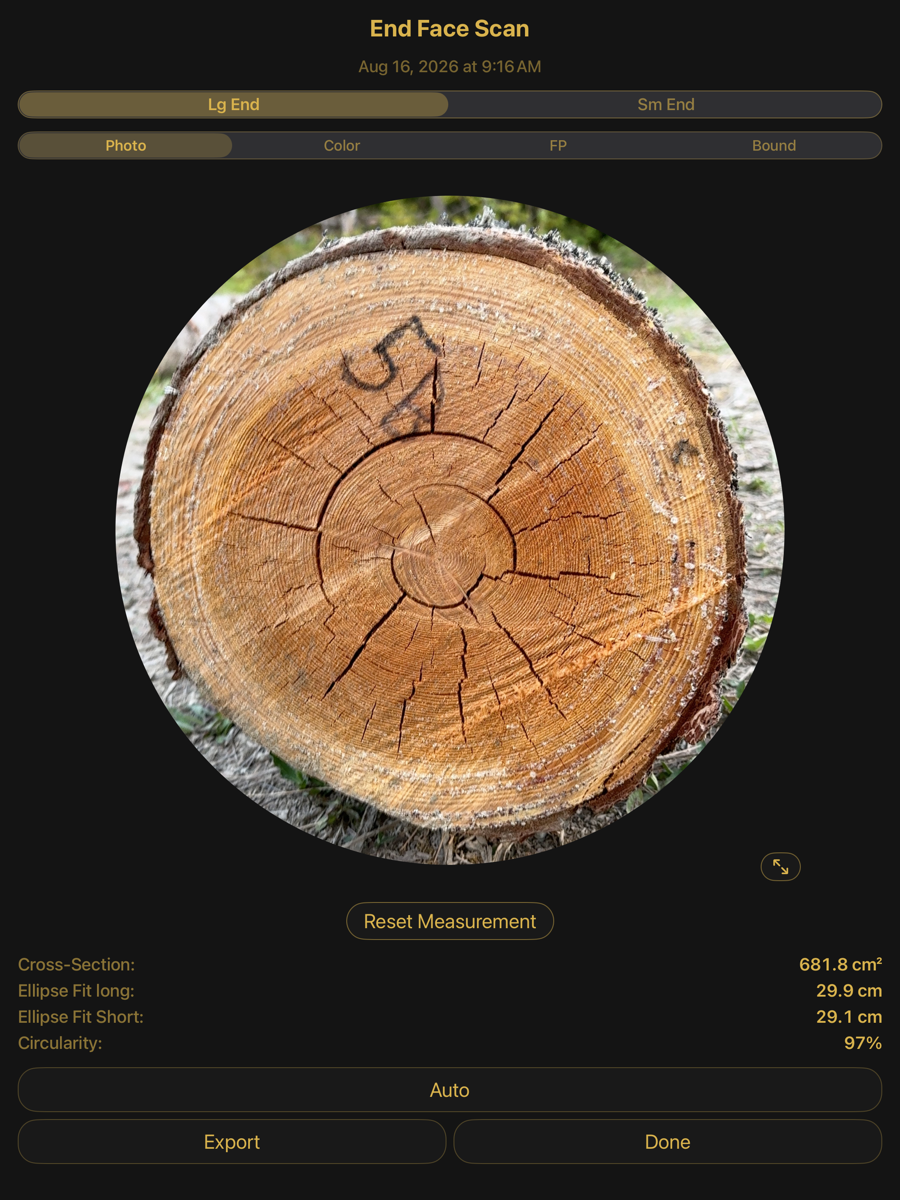
Photo — the captured face
Selectors
Selectors
Element
Example
Description
Lg End / Sm End
Lg End
Which end face is displayed. Lg is the large end, Sm the small end.
Photo
selected
The captured photograph, cropped to the detected boundary.
Color
—
The same face rendered as a colour map, which makes the boundary between wood and bark easier to judge than the photograph does.
FP
—
Fingerprint view: the ring structure, with the fitted shape drawn over it.
Bound
—
Boundary editing. The traced outline is shown as draggable points.
Measurements
Measurements
Element
Example
Description
Cross-Section
681.8 cm²
Area enclosed by the traced boundary.
Ellipse Fit long
29.9 cm
Major axis of the ellipse fitted to the boundary.
Ellipse Fit Short
29.1 cm
Minor axis of the same ellipse.
Circularity
97 %
Minor axis over major axis. 100 % is a circle.
Actions
Actions
Element
Example
Description
Reset Measurement
—
Discards a manual boundary and returns to the detected one.
Auto
—
Re-runs boundary detection on this face.
Export
—
Writes the end face and its measurements out.
Done
—
Closes the view.
Expand
⇺
Fills the screen with the face.
The four views
All four show the same face and the same measurements. They differ only in what is drawn.
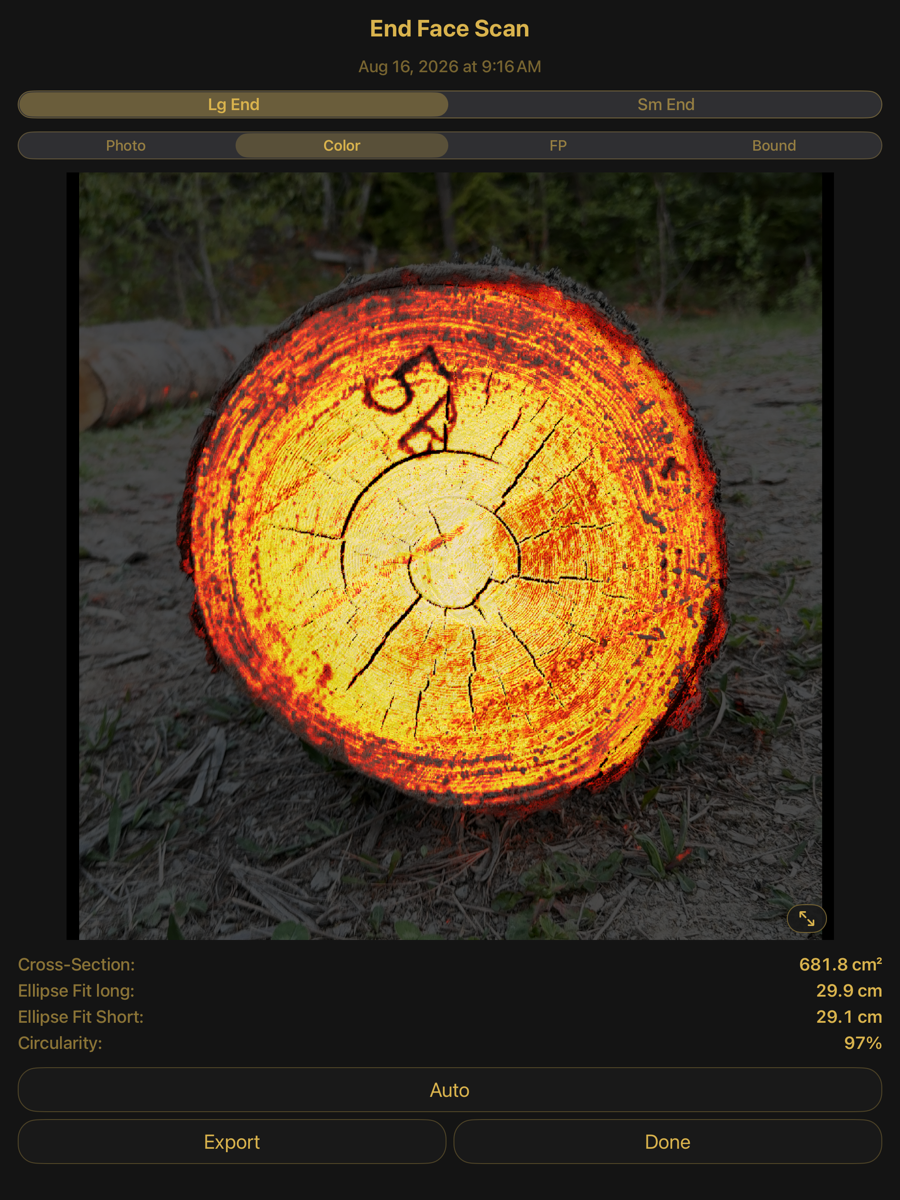
Color — the face as a colour map
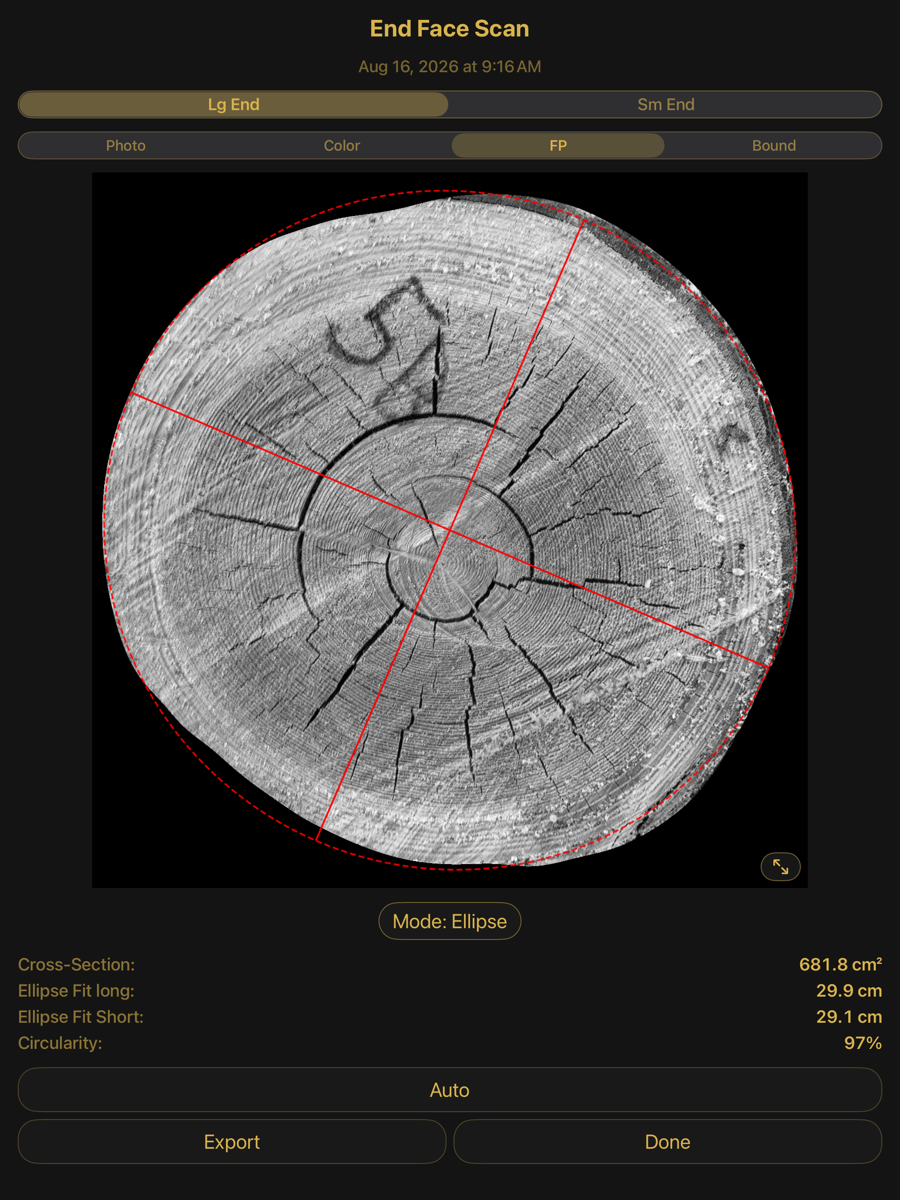
FP — ring structure with the fitted shape
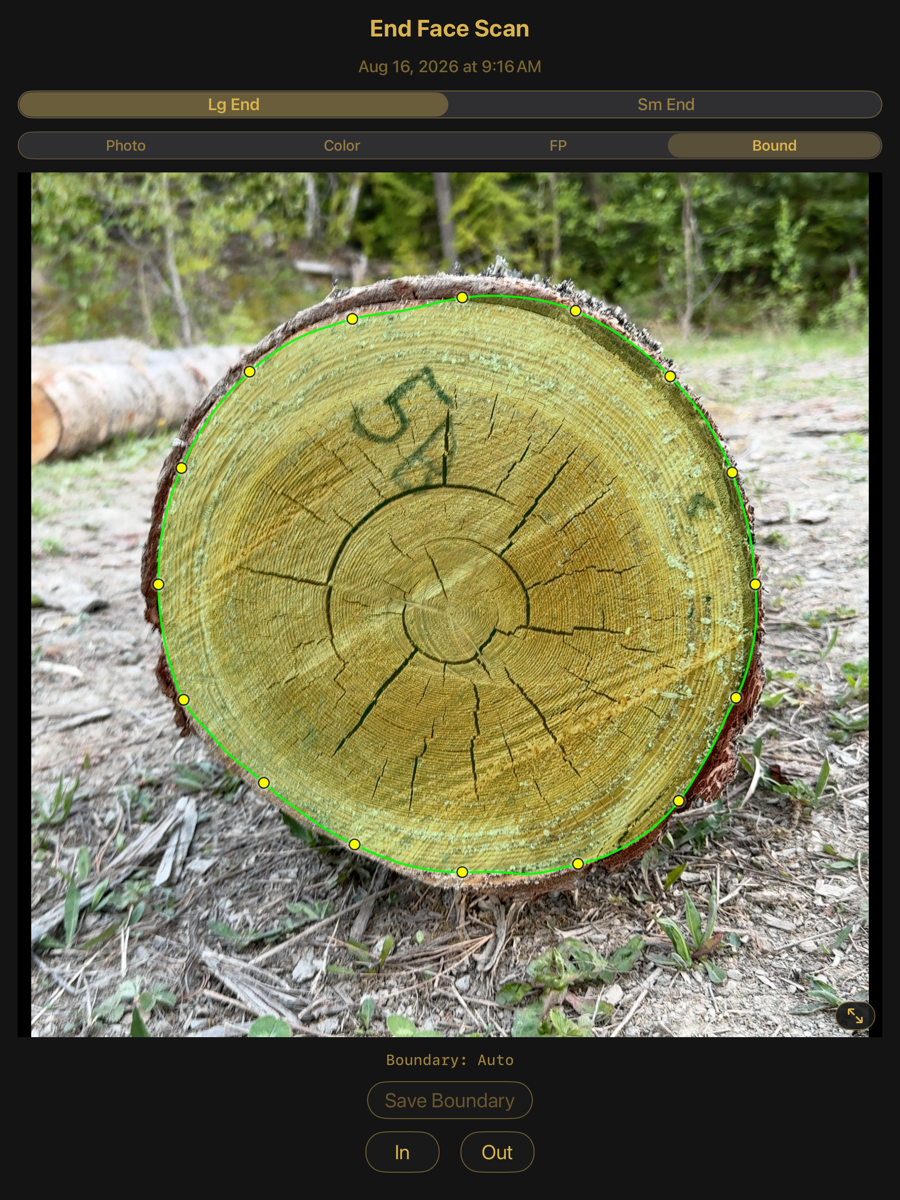
Bound — the traced boundary as editable points
Editing the boundary
In Bound view the outline is drawn as a ring of points that can be dragged. In and Out move the whole boundary inward or outward. Save Boundary commits the edit; until it is saved the detected boundary stands. An edited boundary is recorded separately from the detected one, so the original remains available.
The boundary is the measurement. Every diameter, area and volume figure for that end, and the optimizer's view of the log, follows from it.