Manual › Log Master › Opening a scan
Opening a scan
Choosing which scan to solve. Reached from Open Scan File on the optimizer menu.
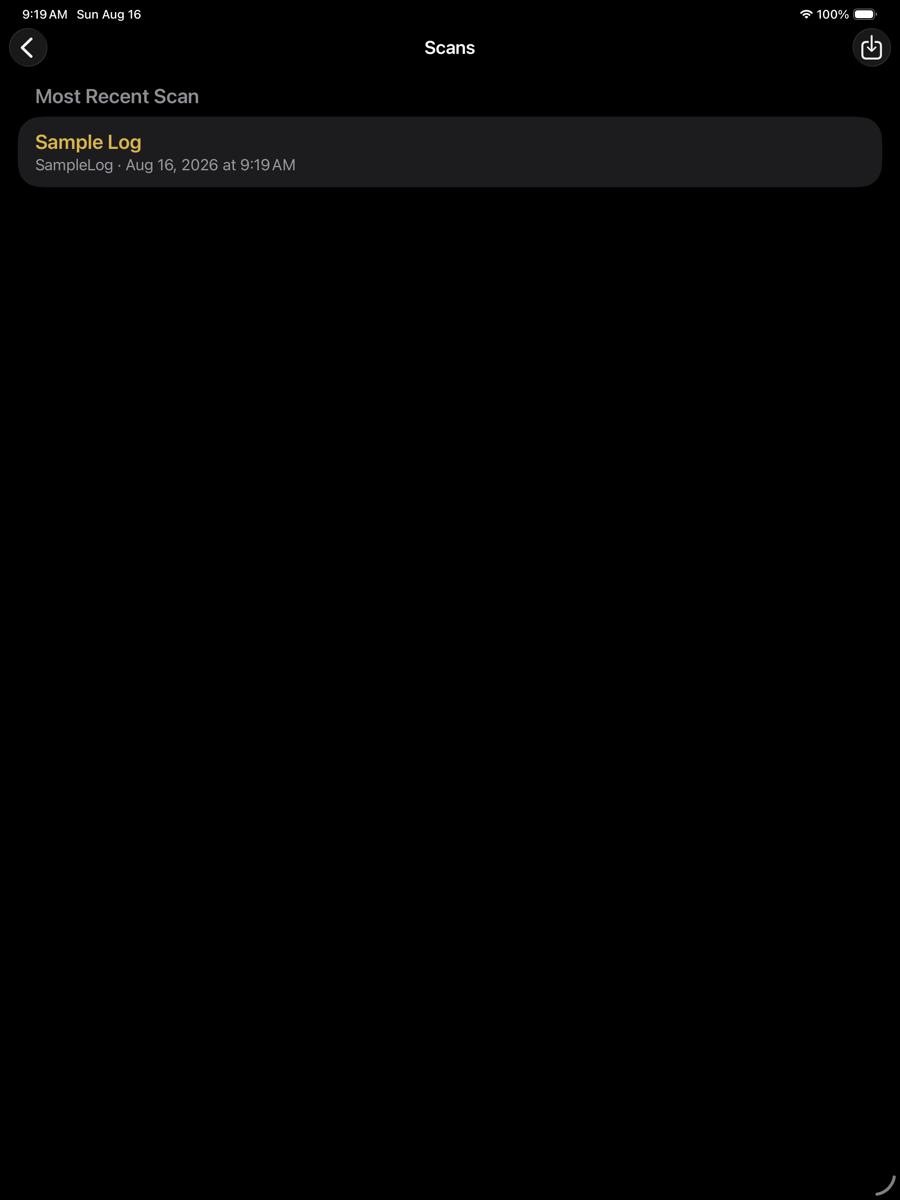
Open Scan File — optimizer menu
The list
The list
Element
Example
Description
Most Recent Scan
top
The scan last worked on, offered first.
Scan Library
below
Every scan in the project folder, newest first.
SAWN badge
gold
The scan has a recorded solution. Opening it restores that solution rather than re-solving.
Row
ID and date
Scan identifier and when it was captured.
Import
toolbar
Brings a scan in from the Files app.
After selection
The scan is loaded and its geometry shown, with the station slider available but no solution yet. Optimize solves it. A previously sawn scan opens directly at its recorded solution.
Solving uses whichever machine, optimizer and product sets are active at that moment. A scan solved today and again next week can differ if the setup changed in between.