Manual › Log Master › The scan library
The scan library
Every full-log scan held on the device, one row each. Reached from View Log Scans on the main menu.
Documents Log Master 1.03 · updated 2026-09-17
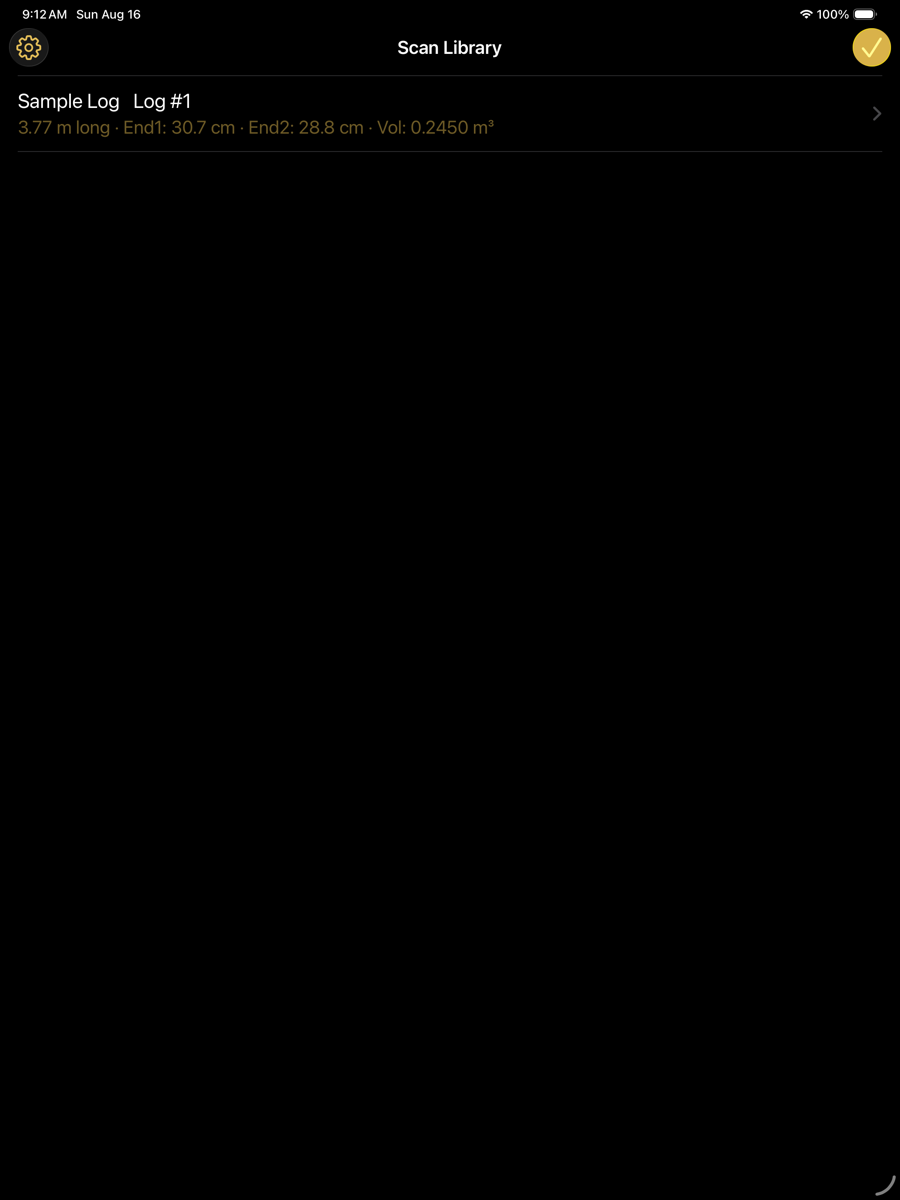
Scan Library — main menu › View Log Scans
What each row shows
Measurements are displayed in the unit system selected in Settings. The example below is metric.
Row contents
Element
Example
Description
Alias
Sample Log
The name given to the scan, if one has been set. Long-press a row to set or clear it. Display only; it does not affect the solution.
Log number
Log #1
The log number recorded in the scan manifest. Used to group scans of the same log in reports.
Length
3.77 m long
Overall length measured along the log axis.
End 1 / End 2
30.7 cm / 28.8 cm
Diameter at each end. End 1 is the first end captured during the scan.
Volume
0.2450 m³
Solid volume of the scanned log.
Settings
gear, top left
Opens Settings.
Done
check, top right
Closes the library.
Opening a scan
Tapping a row opens the log profile view, where cross-sections, the three-dimensional model and the end faces can be inspected, and from which the scan can be sent to the optimizer.
Scans marked SAWN carry a recorded solution. Opening one restores that solution rather than re-solving.